Analysis on the logs of Storage Accounts
Approaches for collecting the logs of the storage accounts are as follows: -
-
Enabling the activity logs for the storage accounts
-
The activity logs are already enabled on the subscription level. It provide insight into operations that were performed on Azure resources, such as creating, updating, or deleting a resource. These logs contain information such as who performed the operation, what operation was performed, and when it was performed. They focus on control plane changes like resource creation, updates, or deletions.
-
This is not sufficient in case we want to see the logs for what is happening inside the resource.
-
Enabling the diagnostic logs for the storage accounts
-
It provide detailed diagnostic and troubleshooting information for Azure resources. These logs contain information such as performance metrics, system events, and application logs. Azure Diagnostic logs can be used to identify and troubleshoot issues in your Azure environment.
-
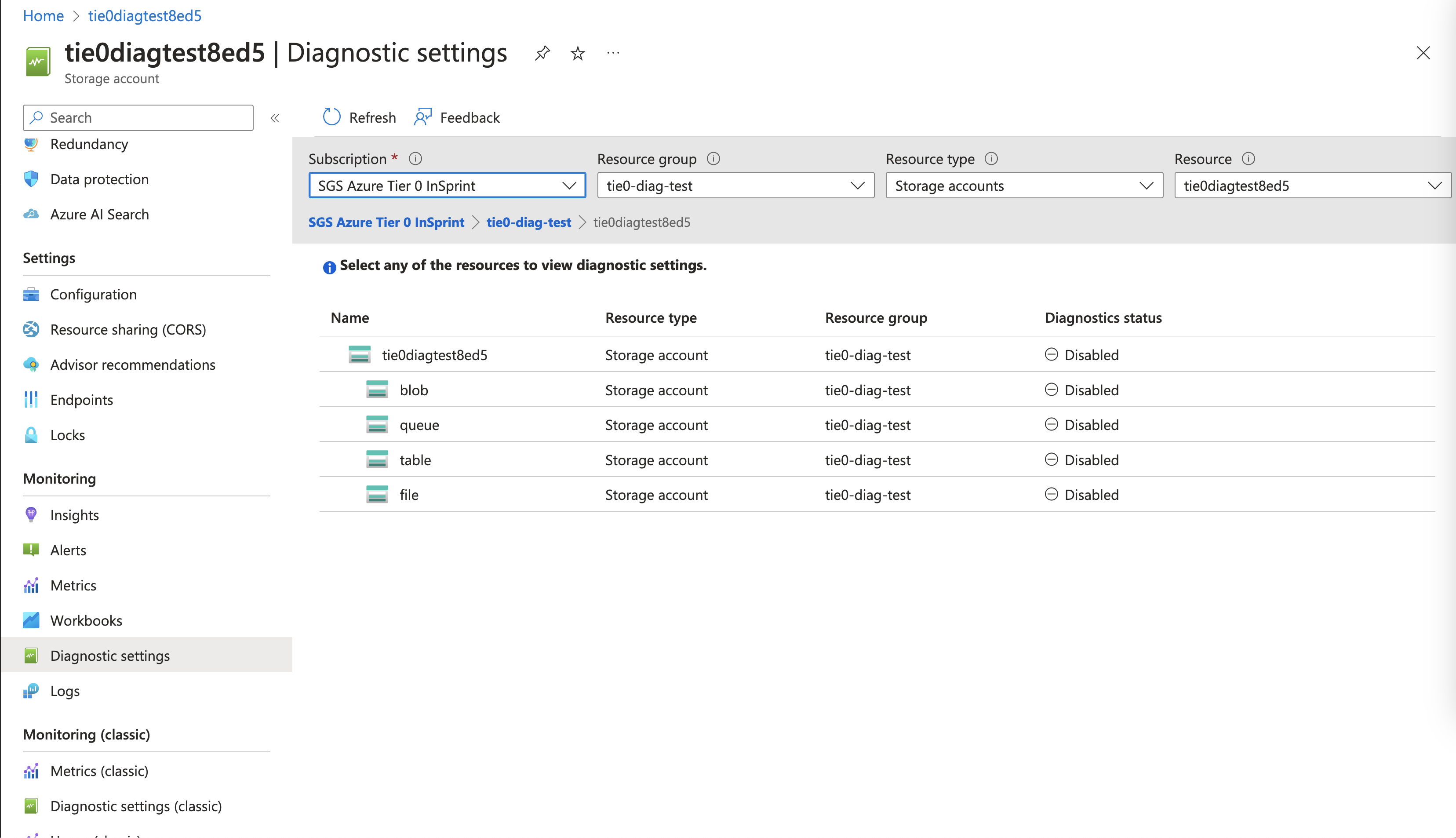
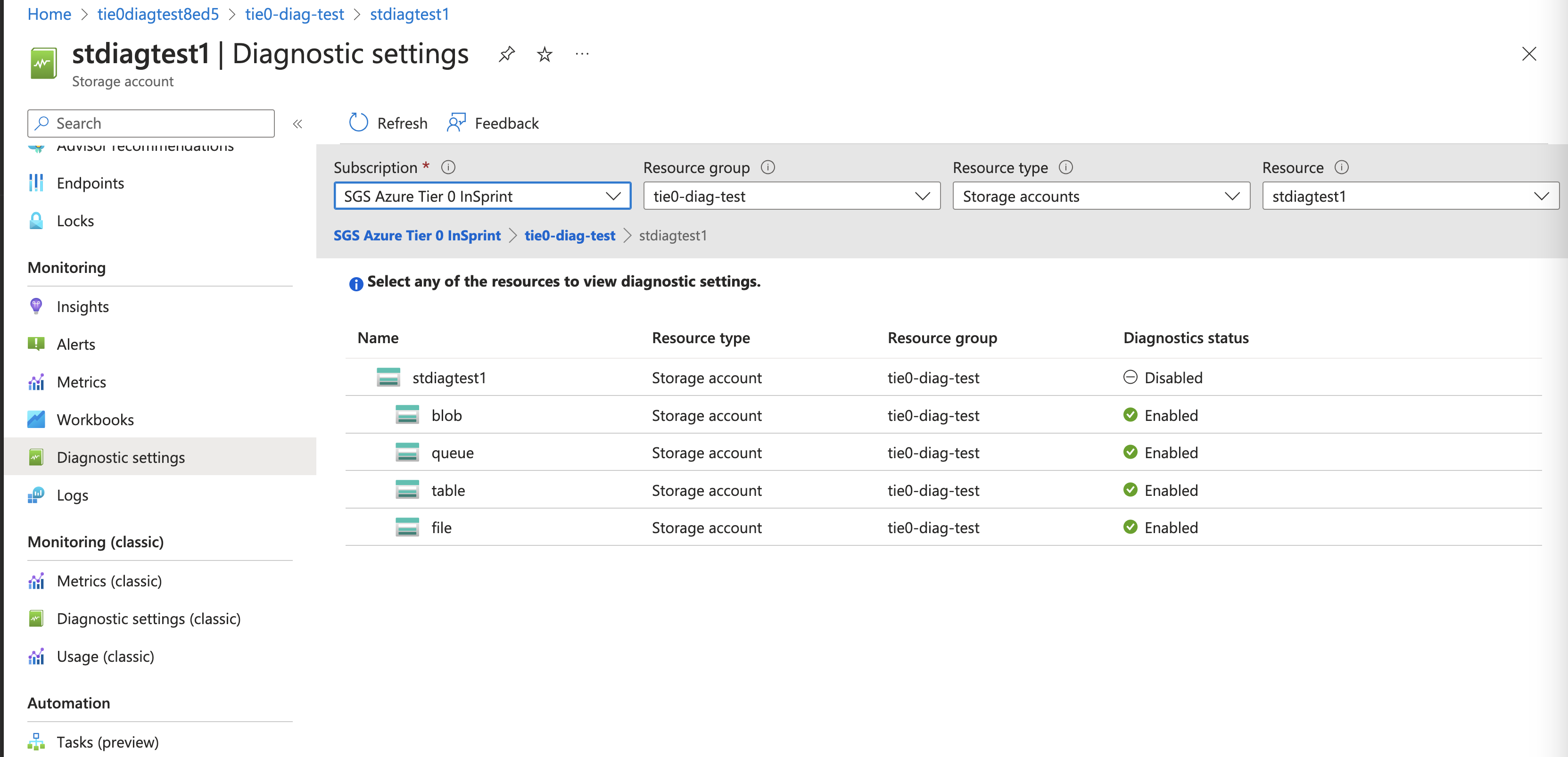
For enabling the diagnostic settings in case of a storage account, we need to include all the services i.e. blob, queue, table, and file.
Conclusion: -
An azure policy needs to be deployed which will enable the diagnostic settings on various services of the storage account.
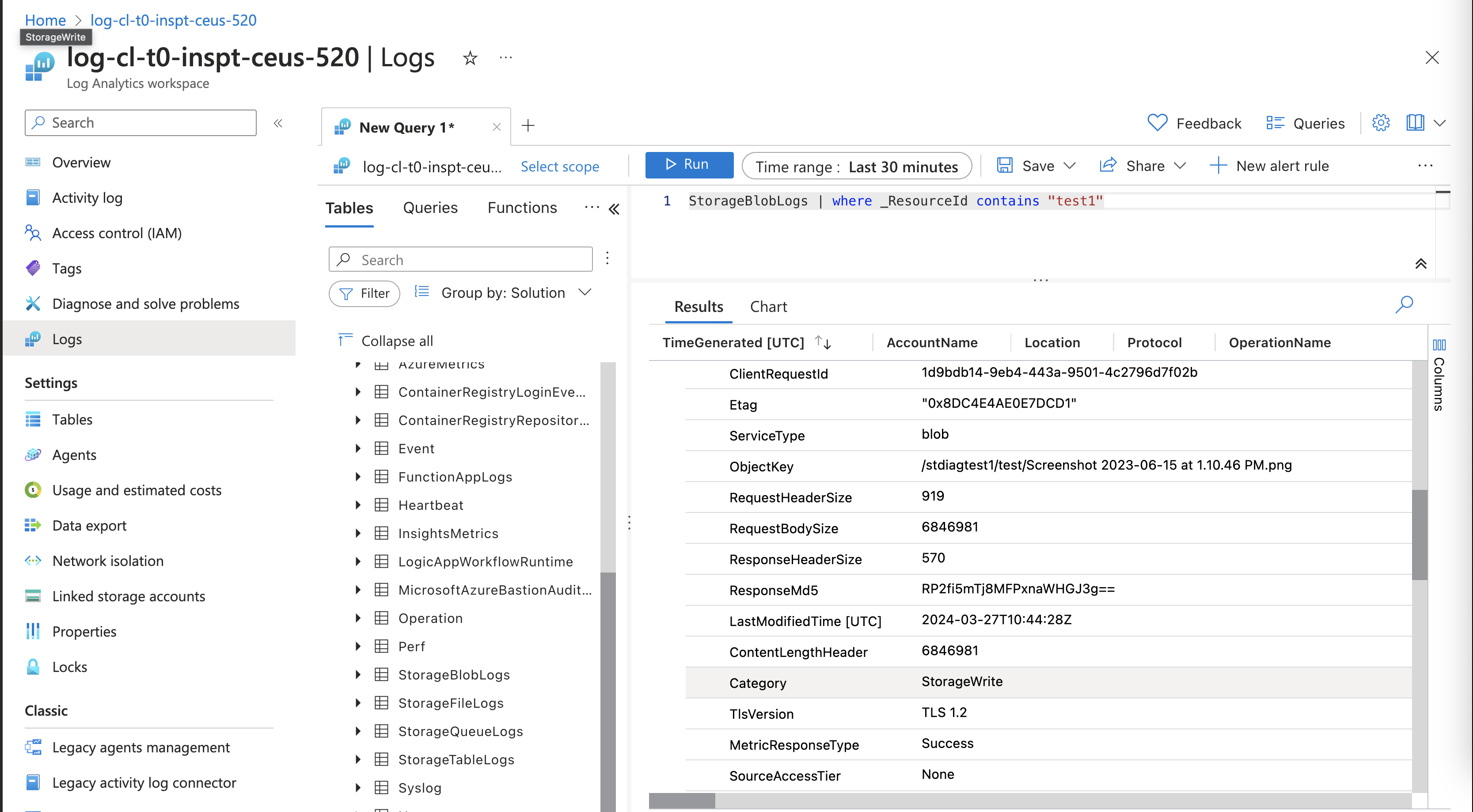
Once the diagnostic settings are enabled for the storage account, there are 4 tables created inside the LAW. The logs are also reaching the LAW to the specific tables.
Reference: -
https://www.azadvertizer.net/azpolicyadvertizer/storage_deploy-storage-monitoring-log-analytics.html